A checkout discount should reduce the purchase you intended to make
A coupon can feel like a saving while changing the basket into a larger purchase. Compare the final complete amount with the original intended order. Keep thresholds, delivery and optional extras visible so the discount does not quietly become the reason to buy an unrelated item.
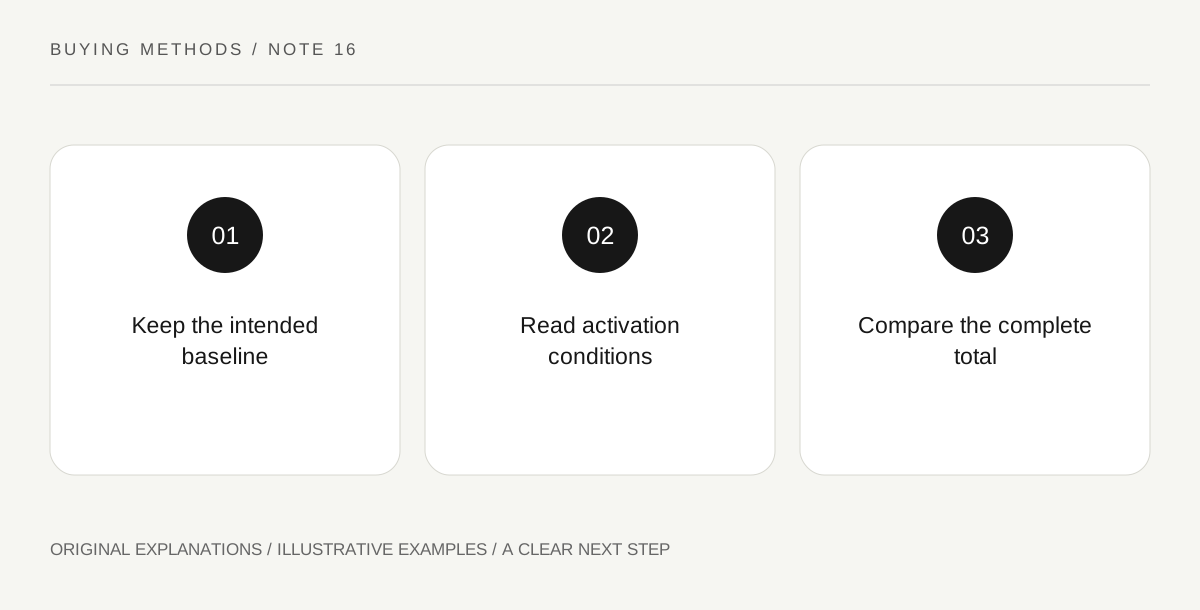
Original explanatory diagram. Read the full method and limitations below.
Save the original intended basket
List the products you actually planned to buy and their complete current cost before applying a promotion. Include disclosed shipping and other relevant charges. The FTC advises checking offer details and keeping purchase records; a baseline basket makes a promotional change easier to understand. Do not use a much larger imagined purchase as the reference simply because the advertisement displays a high percentage. Your relevant baseline is the supported setup or quantity you wanted.
Read the conditions that activate the discount
Find minimum spend, eligible products, exclusions, expiry and any account or recurring-purchase requirement. A coupon may apply to only part of the basket. Keep the conditions with the code and date. If the offer requires joining a subscription or paid program, evaluate that arrangement separately. A discount shown beside the checkout button does not establish that the full basket receives it or that every future charge has the same treatment.
Calculate the complete changed order
Compare the actual final amount after every disclosed adjustment. If adding an unwanted item reaches free shipping, show the extra item's cost and the shipping difference separately. A lower shipping line can coexist with higher total spending. Avoid counting an extra object's advertised value as cash saved when you did not want it. Keep actual prices current and label invented examples clearly. The arithmetic should remain simple enough to check without a complicated spreadsheet.
Confirm the order still fits the task
Review seller, product variant, condition, quantity and payment choice before submitting. A promotion can alter a selected package or nudge a recurring option. Remove extras that do not serve the intended need. You may decide that the convenience or added item is worth paying for, but state that as a preference rather than calling it a saving. If the final terms are unclear, leave the purchase unsubmitted until the material question is resolved.
Illustrative worked example
Illustrative arithmetic: the intended item costs 32 currency units with 5 for delivery, totaling 37. Adding an unwanted 9-unit accessory qualifies for free delivery, making the new total 41. The shipping line falls to zero while total spending rises by 4. A shopper may still want the accessory, but it should be chosen deliberately. These are fictional prices demonstrating a threshold calculation.
Questions that come up
Is free shipping always a saving?
Compare complete totals. An extra purchase made only to reach a threshold can cost more than the delivery charge it removes.
Should I ignore every promotion?
No. A clear promotion can reduce the cost of a purchase you already intended. The method simply keeps the reference basket and final conditions visible.
References and scope
These sources support the factual background. Examples and exercises are original illustrative teaching material. References do not imply endorsement.
- FTC: Online Shopping — Compare sellers, products and terms and keep purchase records; no universal refund entitlement is inferred.
- FTC: Trials and Auto-renewals — Read billing, renewal and cancellation details; this collection does not assert a universal current legal cancellation rule.